
Restoration Site Documentation: Why Camera Rolls Fail Adjusters
Water, fire, and mold jobs generate hundreds of photos. When those images sit in a camera roll or a Drive folder named after the job number, you do not have restoration site documentation — you have a pile of evidence nobody can navigate.
What adjusters actually need
Insurance claims documentation has to answer:
- Where was this photo taken in the structure?
- What does it show relative to the scope and the estimate?
- Can another reviewer follow the same trail next week?
A folder of images with filenames like IMG_4821.jpg answers none of that.
Camera rolls vs. spatial documentation
| Camera roll | Restoration site documentation | |-------------|-------------------------------| | Photos sorted by time | Photos sorted by location on the plan | | Captions optional | Notes and PDFs at each waypoint | | PDF is a photo dump | PDF photo report with a spatial trail |
Building documentation that survives review
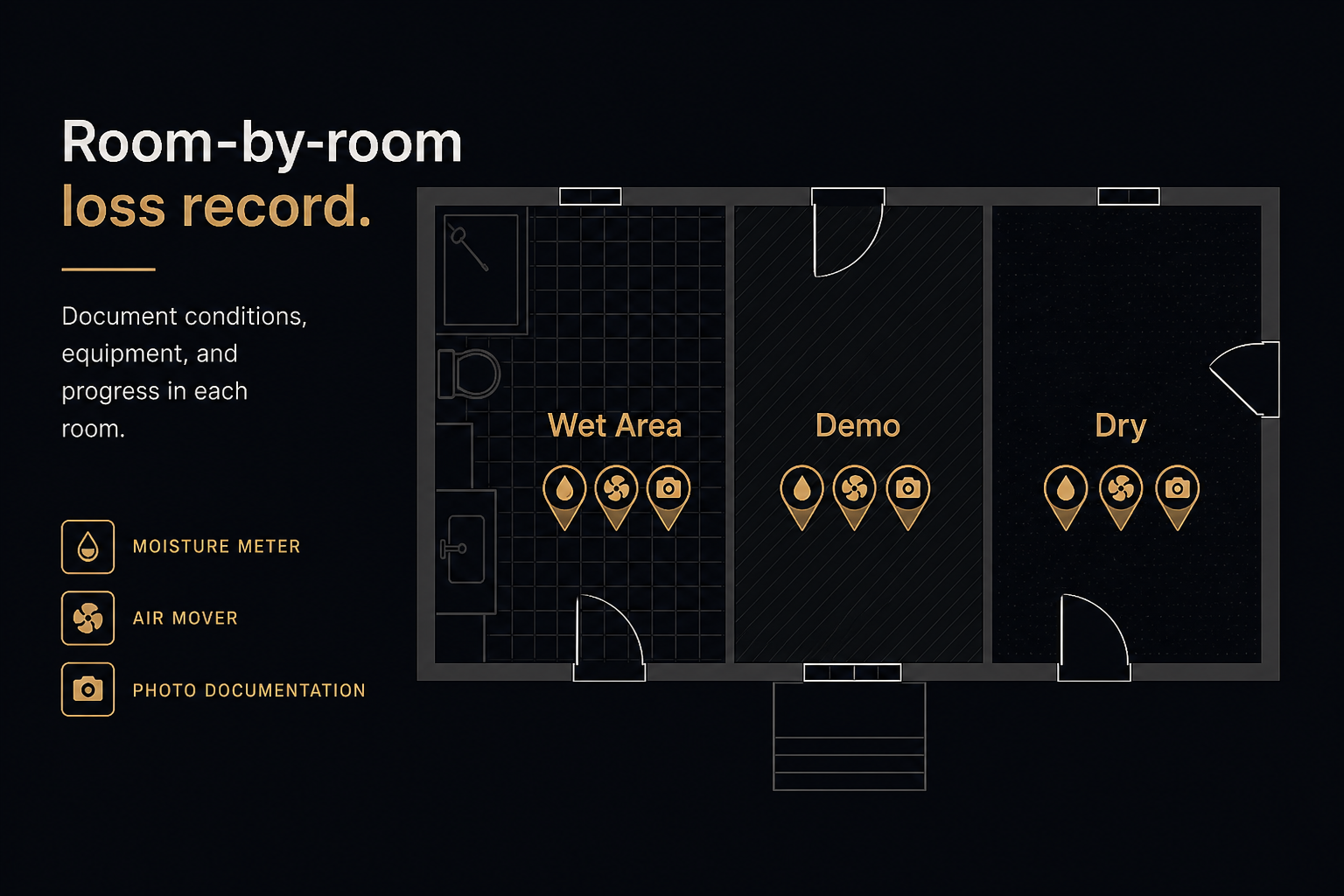
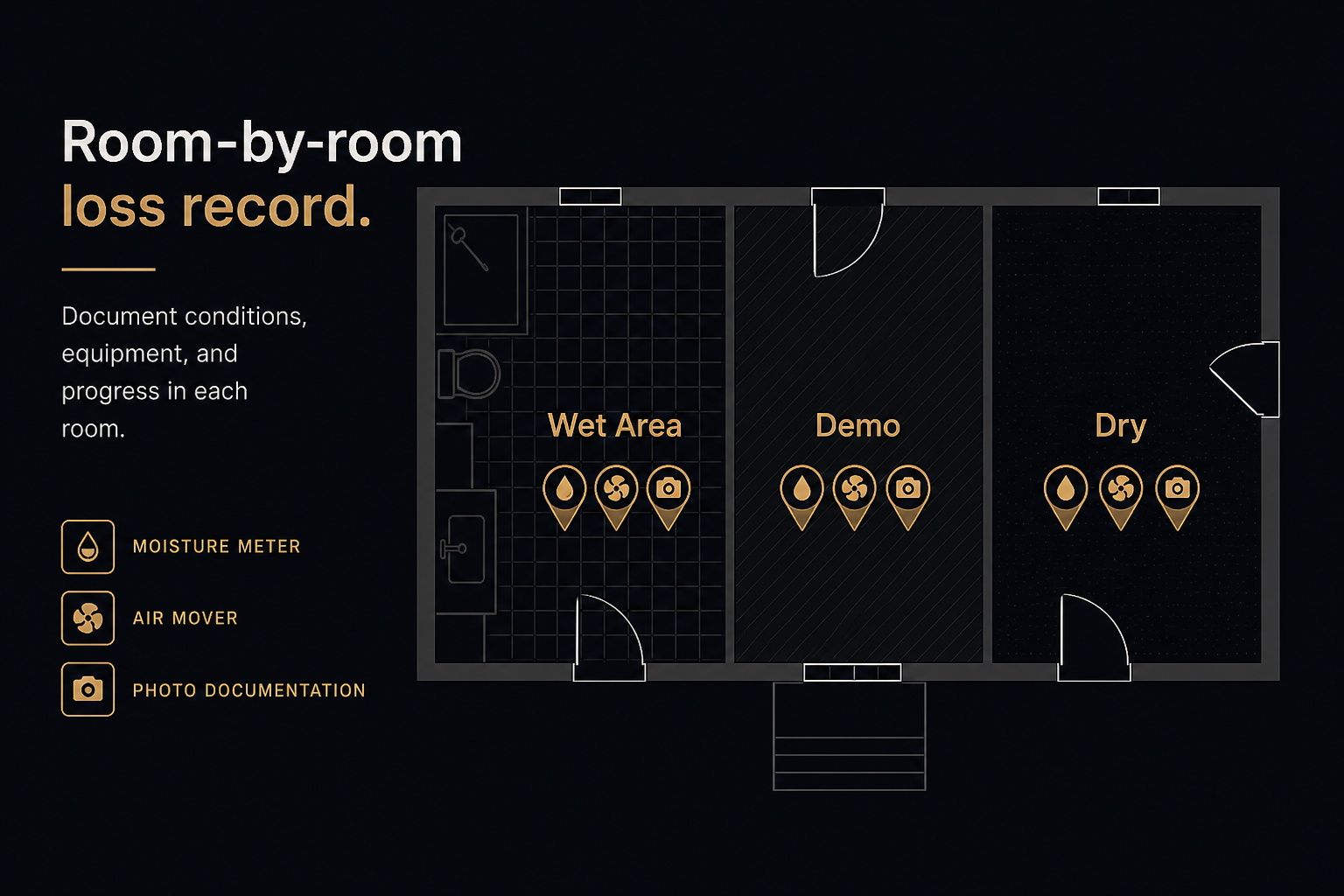
- Start from the floor plan (or roof plan for exterior losses).
- Mark affected rooms and zones before you leave the site when you can.
- Attach drying equipment photos, demo photos, and moisture PDFs to those locations.
- Export one report that carries the plan with the evidence.
FotoLedger for restoration photo reports
FotoLedger is built for this workflow — a photo report app that pins field photos to the plan for restoration and insurance claims documentation. Free to start, local or cloud.
Read more on Solutions or contact BetterHolmes about documentation strategy for your crews.