Solutions

Complex problems,
simple solutions.

Spatial documentation for site conditions, free field utilities, and settlement tooling coming soon — built for restoration and construction.

The platform

The one we run our own jobs on.

P / 01LiveSpatial Documentation Platform

FotoLedger

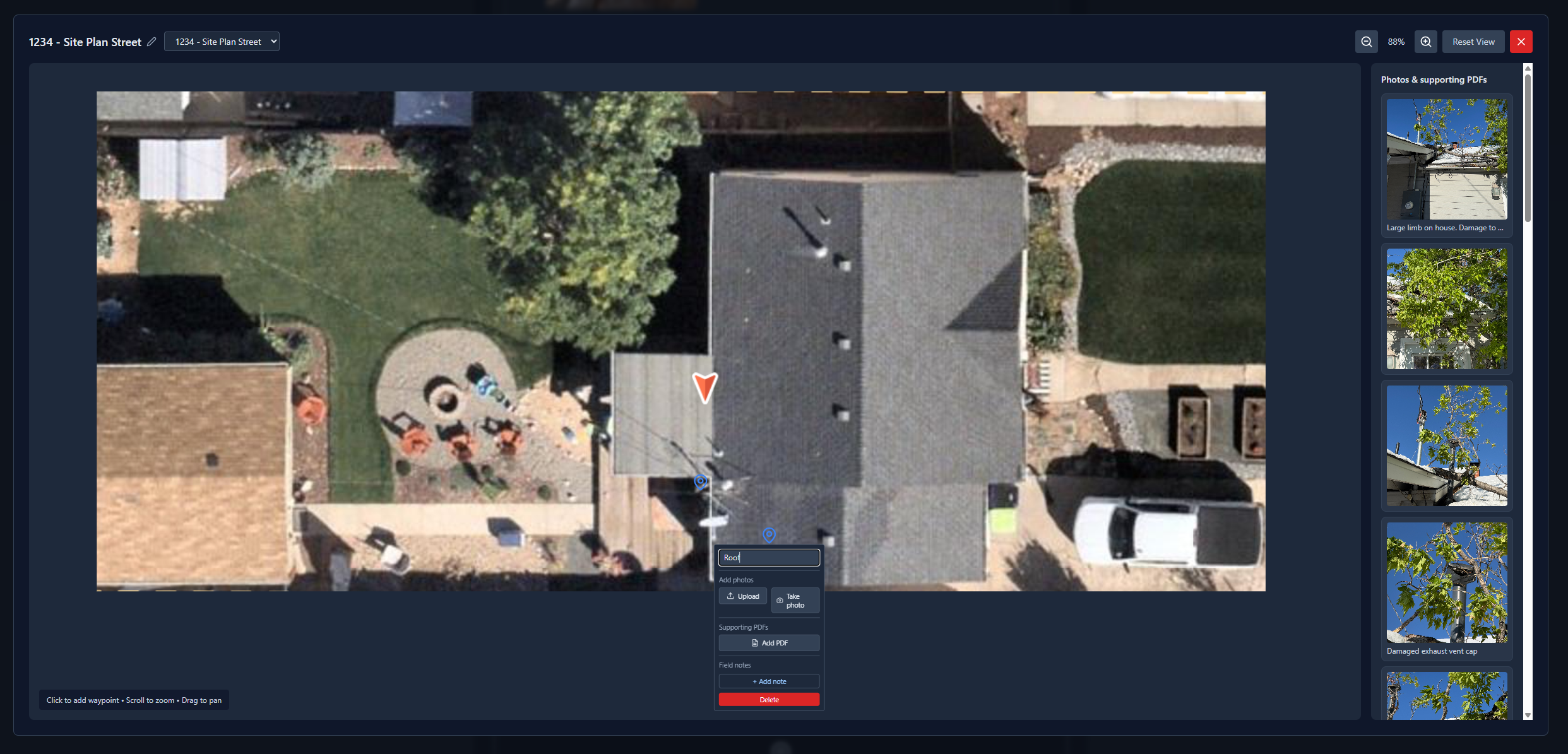
Pin photos, PDFs, and notes to the plan. Export a defensible trail.

Our flagship spatial documentation platform, now in V2. Drop waypoints on a floor plan, roof plan, or site map, attach photos, PDFs, and notes at each location, and export a client-ready PDF that shows exactly where everything happened. Work locally with no account, or sign in for cloud projects and sync across devices — free while we grow.

  • Waypoints on floor plans, roof plans, and site maps
  • Photos, PDFs, and field notes attached at each location
  • Cloud projects, sync, and sharing — or fully local
  • Client-ready PDF reports with the spatial trail
FotoLedger interface preview
Free field utilities

Single-purpose tools. Free, in your browser.

Each of these does one field job without an account or an install. They run locally in your browser — so export your PDF or Excel before you close the tab, because nothing is saved to the cloud.

U / 01UtilityRoof survey

RoofLedger

Roof surveys mapped to the aerial.

Upload an aerial roof image, mark survey points, penetrations, and photo locations, and export a PDF survey report. Runs entirely in your browser — no account, works offline. Export your report before you close the tab; nothing is stored in the cloud.

  • Survey points with condition ratings
  • HVAC, vent, and penetration tracking
  • Photo points and annotations on the plan
  • PDF survey reports with company branding
RoofLedger interface preview
U / 02UtilityMoisture mapping

Mapture

Moisture and equipment, mapped on the floorplan.

Log moisture readings, affected areas, and drying equipment right on the floorplan, with IICRC water category and class classifications built in. Browser-based and offline-capable — export your PDF when the mapping is done; projects live on your device, not our servers.

  • Color-coded moisture readings on the plan
  • Air movers, dehus, and equipment placement
  • IICRC category and class classifications
  • PDF reports for insurance documentation
Mapture interface preview
U / 03UtilityConstruction takeoff

TakeOff Tool

Floorplan in, dimensions out.

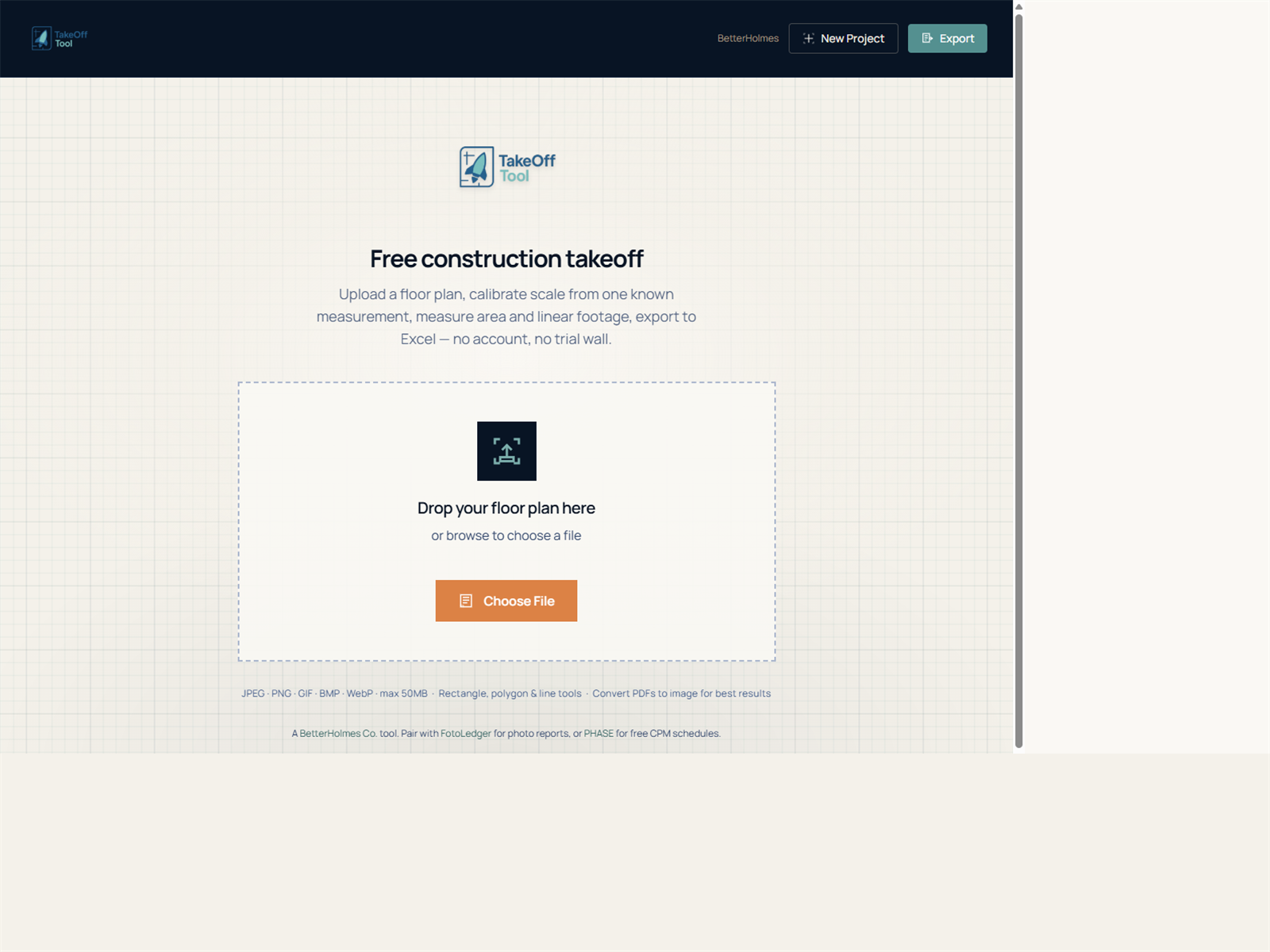
Upload a plan, scale it from a known measurement, and start pulling areas, linear footage, and labeled takeoffs. A small, free utility that does one thing well — no account, no fuss.

  • Floorplan upload and scale calibration
  • Rectangle, polygon, and line measurements
  • Labeled quantities for materials
  • Excel export — no account required
TakeOff Tool interface preview
Coming soon

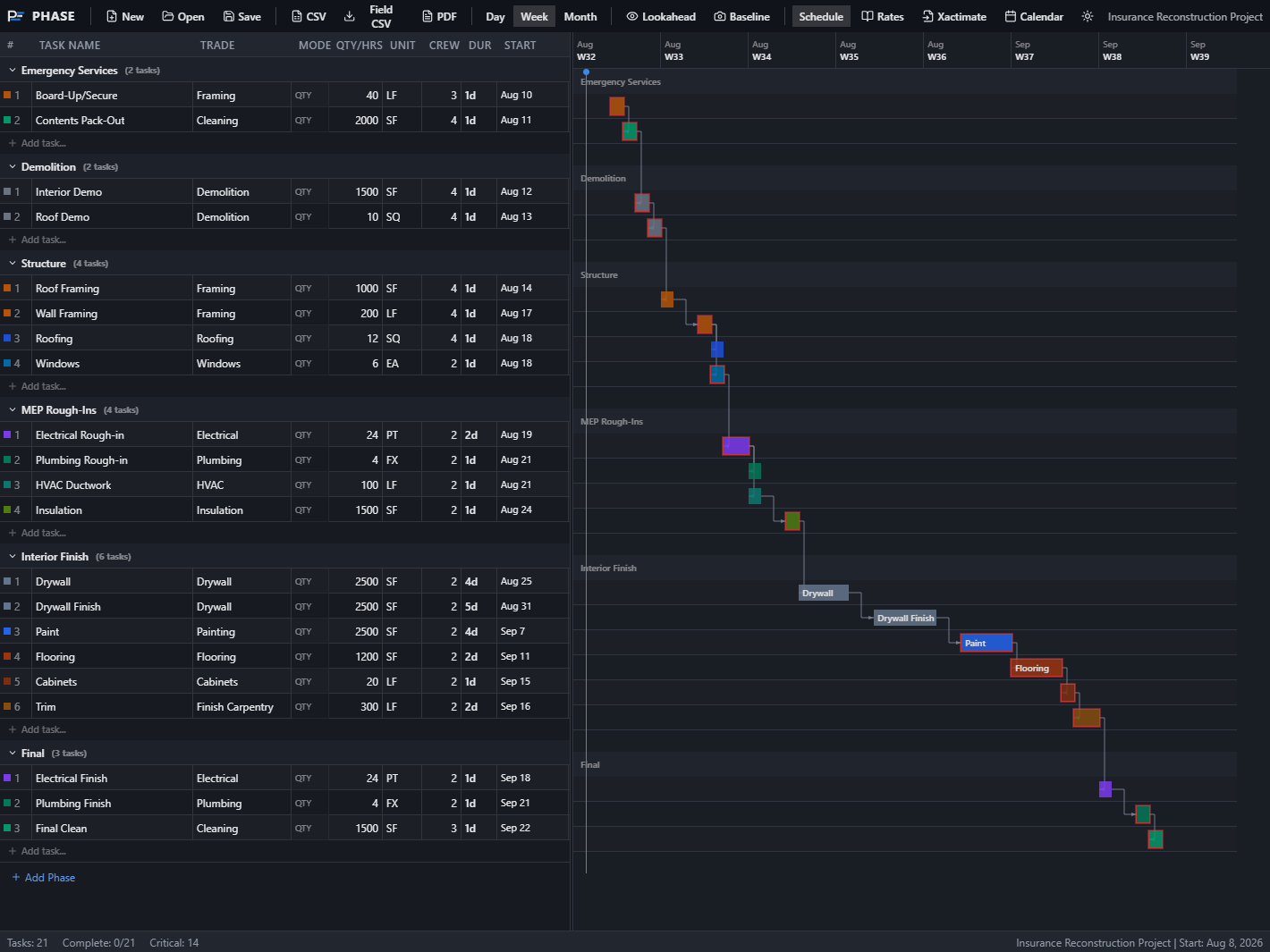
After the capture comes the settlement.

Self-serve audit tools for adjusters and consultants — upload a PDF, work the lines yourself, export when you're ready. Done-for-you and bulk reviews stay available through contact.

P / 02Coming soonSelf-serve settlement audit

Provenance

Line-item analysis built for real-world settlements.

The post-capture side of the workflow — built for adjusters and consultants who want to run the audit themselves. Upload a contractor T&M invoice or Xactimate estimate PDF, open an interactive audit workspace, convert Xactimate PDFs to Excel, and export fully editable negotiation-ready reports. Rule-based parsing, no AI required. Need a complete done-for-you audit or a bulk invoice review? Get in touch.

  • Interactive T&M invoice audit workspace
  • Interactive Xactimate estimate audit workspace
  • Xactimate PDF to Excel conversion
  • Fully editable, negotiation-ready reports
Provenance interface preview
Preview — coming soon
Why these exist

Real jobs first.
Software second.

01

Built from the work

Every one of these started as a problem on an actual job — not a feature list that looked good in a pitch.

02

In active use

FotoLedger runs real jobs every week, and each free utility kills one specific headache. We use them, then keep sharpening them.

03

Capture to settlement

Photos, PDFs, and notes anchored to the plan — then reports and settlement tooling people can actually use and bill against.

Start a conversation

Need something
built for your shop?