
Xactimate Labor Hours to a Linked Schedule (Without Excel Hell)
You finished the estimate. You have labor summary hours by trade. Now someone asks for a schedule — and the usual path is a spreadsheet that never quite matches the estimate logic.
The handoff problem
Xactimate is good at line items and labor hours. Spreadsheet Gantts are good at looking busy. Neither is a linked CPM schedule with predecessors, lag, and a critical path you can defend in a meeting.
Copying hours into Excel and guessing durations creates:
- Schedules that drift from the estimate when the scope changes
- No real float or driving tasks
- A second document to maintain for every bid or claim
A cleaner path
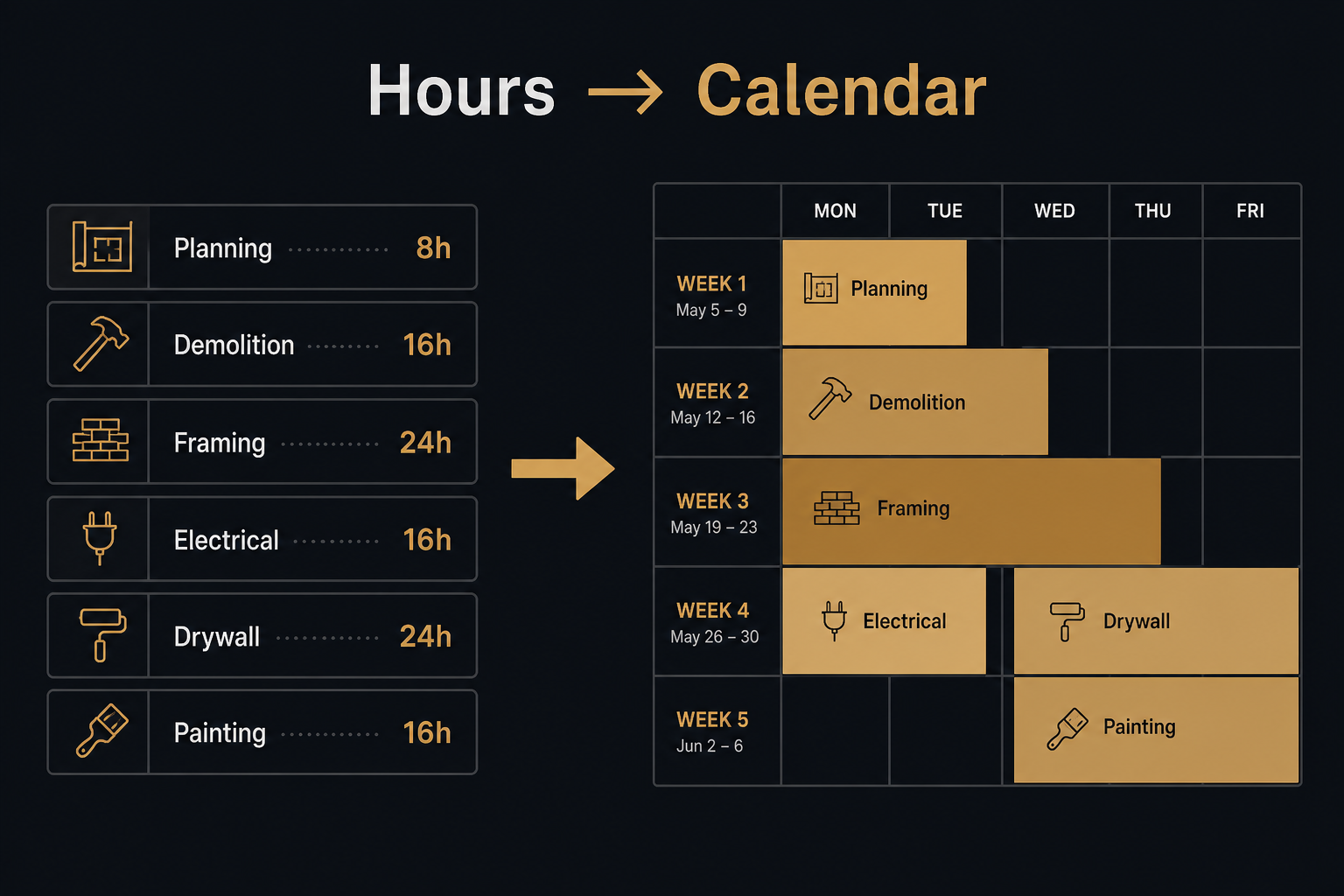
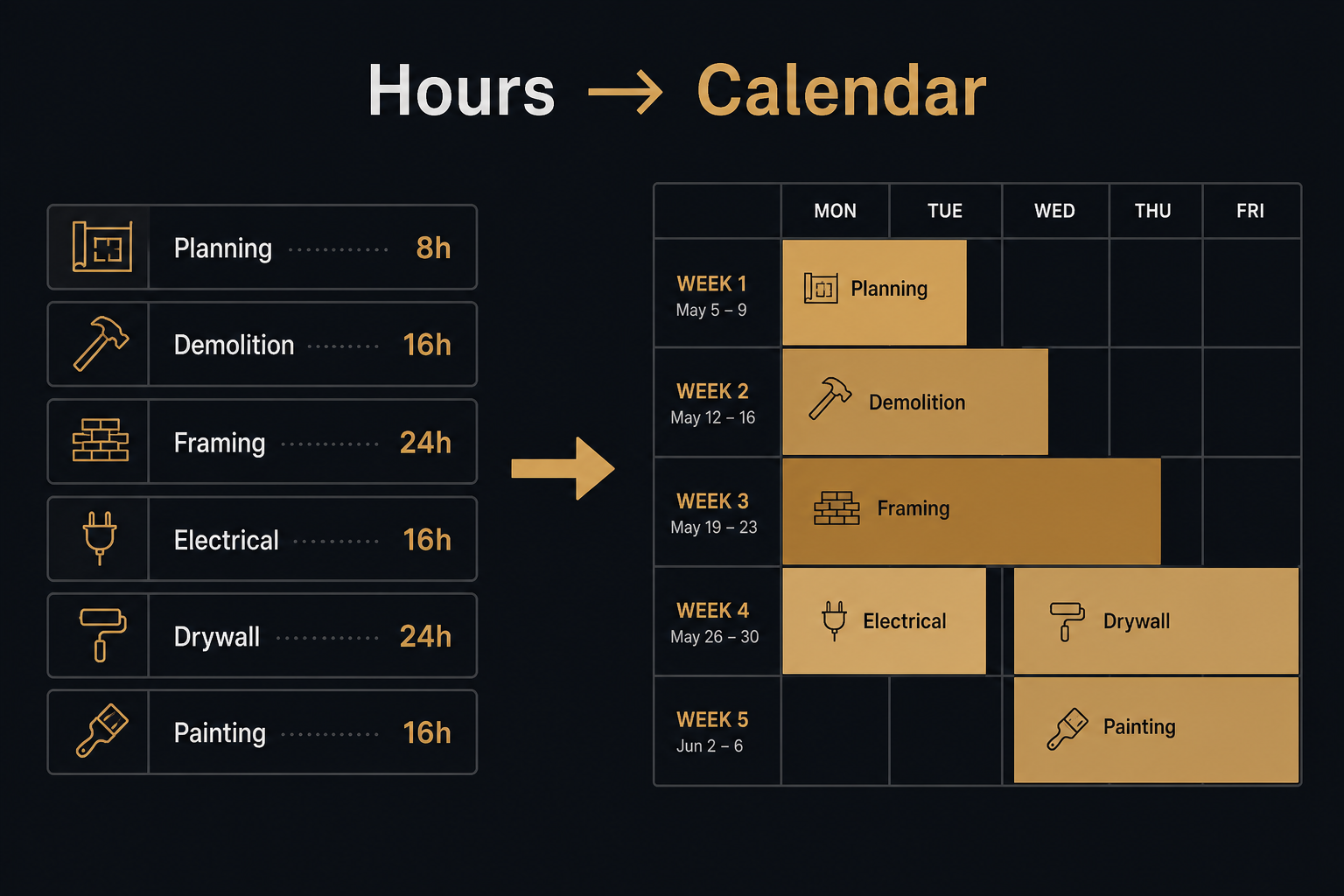
- Enter Xactimate labor summary hours by trade (or paste from a CSV export).
- Set crew size and calendar so hours become calendar days.
- Link tasks with real dependency types (FS, SS, FF, SF) and lag.
- Export a branded PDF schedule clients can read.
That is an Xactimate schedule workflow — estimate hours in, linked logic out — without re-keying the whole job into Project or a paid PM suite.
PHASE does this for free
PHASE is a free construction schedule app with:
- Direct Xactimate labor hour entry by trade
- Production-rate scheduling when you have quantities instead of hours
- Real CPM (not a decorative Gantt)
- Restoration templates for insurance reconstruction scopes
- No account required — JSON project files on your machine
Open phase.betterholmesco.com and try it on the next estimate that needs a schedule. For field photo reports that pair with the claim file, see FotoLedger.